


 Some of the links on this site may be affiliate links. ICOBench may receive advertising commissions when users visit recommended platforms via our affiliate links, at no additional cost to you. All recommendations are based on a comprehensive review process.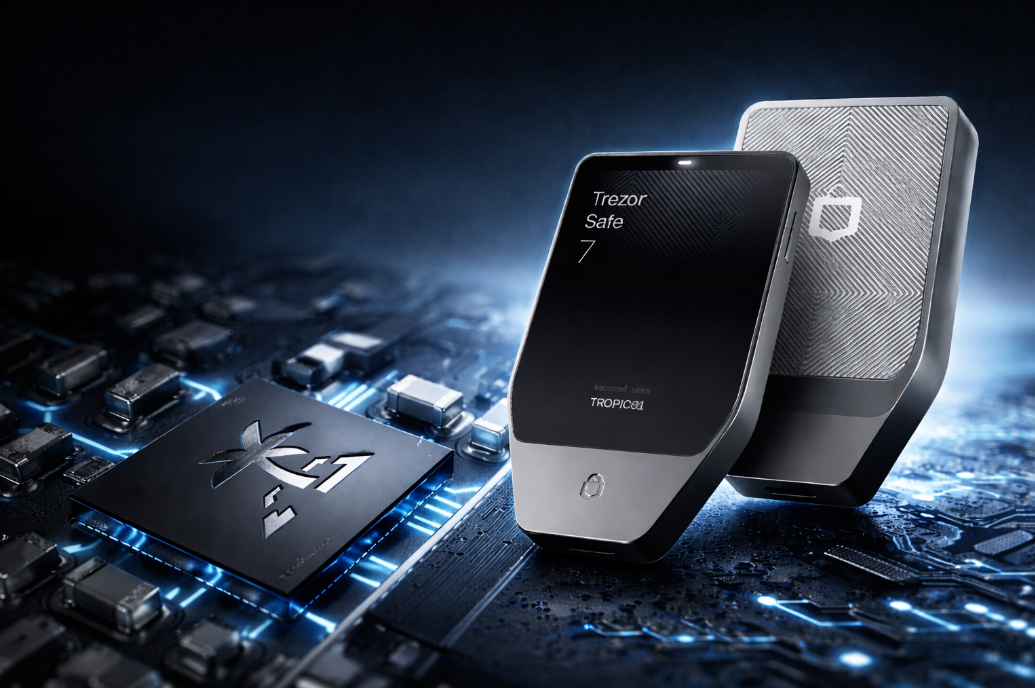
If you’re serious about safeguarding your crypto assets in 2026, this Trezor Safe 7 review is exactly where you need to start.
The newest flagship wallet from Trezor promises upgraded security, a sleek new interface, and a seamless setup process that puts full control back in your hands.
But does it live up to the reputation of its predecessors, or surpass it? In this review, we break down everything.
➡️ Trezor Safe 7 uses dual secure elements for stronger physical and verifiable protection. ➡️ It includes quantum-resistant firmware to defend against future cryptographic threats. ➡️ Wireless charging and Bluetooth make daily use more flexible and modern. ➡️ The Gorilla Glass touchscreen and LiFePO₄ battery improve durability and usability. ➡️ Its fully transparent design allows independent audits of both hardware and firmware.Trezor Safe 7 Review – Key Takeaways
Key Features of Trezor Safe 7
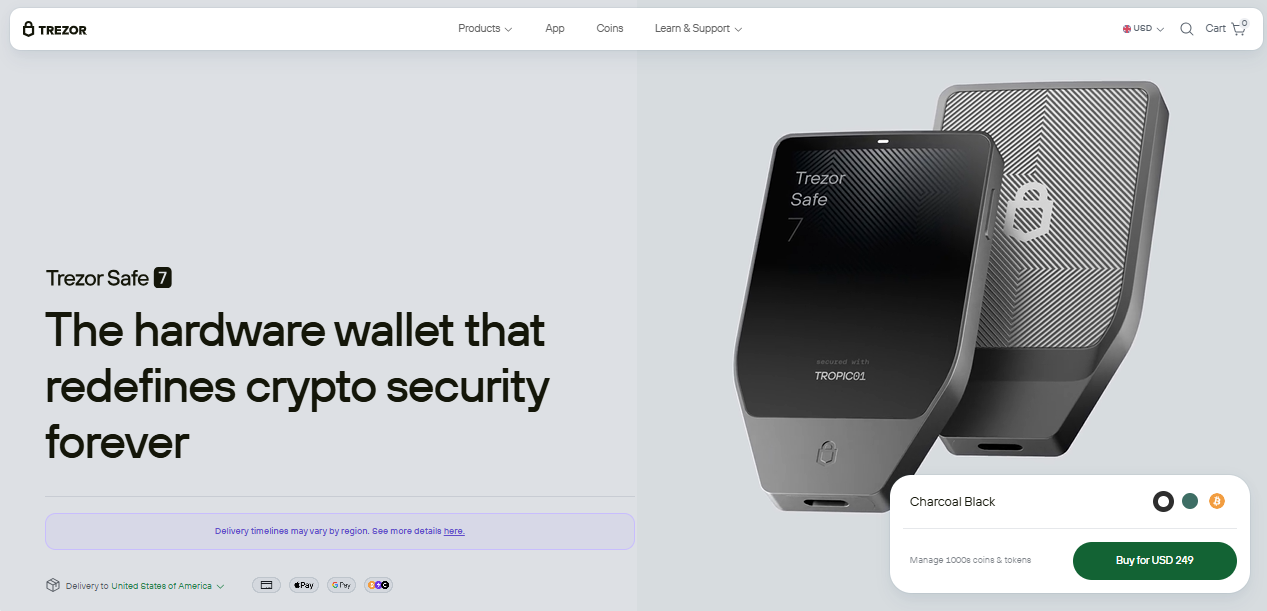
Each feature has been purpose-built to enhance user protection, device durability, and long-term relevance in a rapidly evolving crypto environment.
➤ Dual Secure Element Protection
Trezor Safe 7 combines the TROPIC01 chip with a second, NDA-free EAL6+ secure element to offer exceptional physical security.
The EAL6+ designation signals one of the highest levels of tamper resistance in consumer-grade hardware, ensuring that even advanced physical attacks won’t compromise your private keys.
Unlike closed-source chips protected by NDAs, the inclusion of an open secure element provides both transparency and robust, verifiable protection – a first for a wallet in this class.
➤ Quantum-Ready Architecture
Trezor Safe 7 is designed with the future in mind. It is currently the only hardware wallet on the market that implements post-quantum cryptography to secure key components of the firmware. This includes:
- Firmware update validation
- Device authentication
- Boot process integrity
This quantum-resilient architecture ensures your wallet remains secure even as quantum computing becomes a real-world threat.
➤ Wireless Connectivity and Charging
Unlike the Trezor Safe 5, the Safe 7 brings full wireless freedom to crypto hardware. It supports Bluetooth pairing for seamless use with mobile devices and introduces Qi2-compatible wireless charging, eliminating the need for USB cables.
Additionally, the built-in LiFePO₄ battery (3.2V, 330mAh) is engineered for endurance. It outperforms standard lithium batteries by delivering four times the charging cycles and retaining power even after years of non-use.
Pro Tip: Charge the device fully before setup using a certified Qi2 charger to ensure stable firmware installation and avoid mid-process shutdowns.
➤ High-Resolution Color Touchscreen
Trezor Safe 7 features a 2.5-inch color touchscreen – a 62% increase in screen size over the Trezor Safe 5. This larger display offers:
- 520×380 pixel resolution
- 700 nits of brightness for high visibility in any light
- Gorilla® Glass protection against scratches and fingerprints
- Vibrant haptic feedback for confident, tactile input
What is Trezor Safe 7
Trezor Safe 7 is a next-generation hardware wallet released on October 21, 2025. It builds on the legacy of previous Trezor models by introducing a dual secure element design, which includes the transparent TROPIC01 chip and a second EAL6+ certified element for stronger physical protection.
To improve everyday use, Trezor Safe 7 adds Bluetooth connectivity with open-source encryption and Qi2 wireless charging. It also includes a 2.5-inch Gorilla Glass touchscreen, offering sharp resolution and enhanced brightness.
U.S. shipping began on November 24, 2025, which makes it fully available to global users shortly after release.
Advantages of Trezor Safe 7
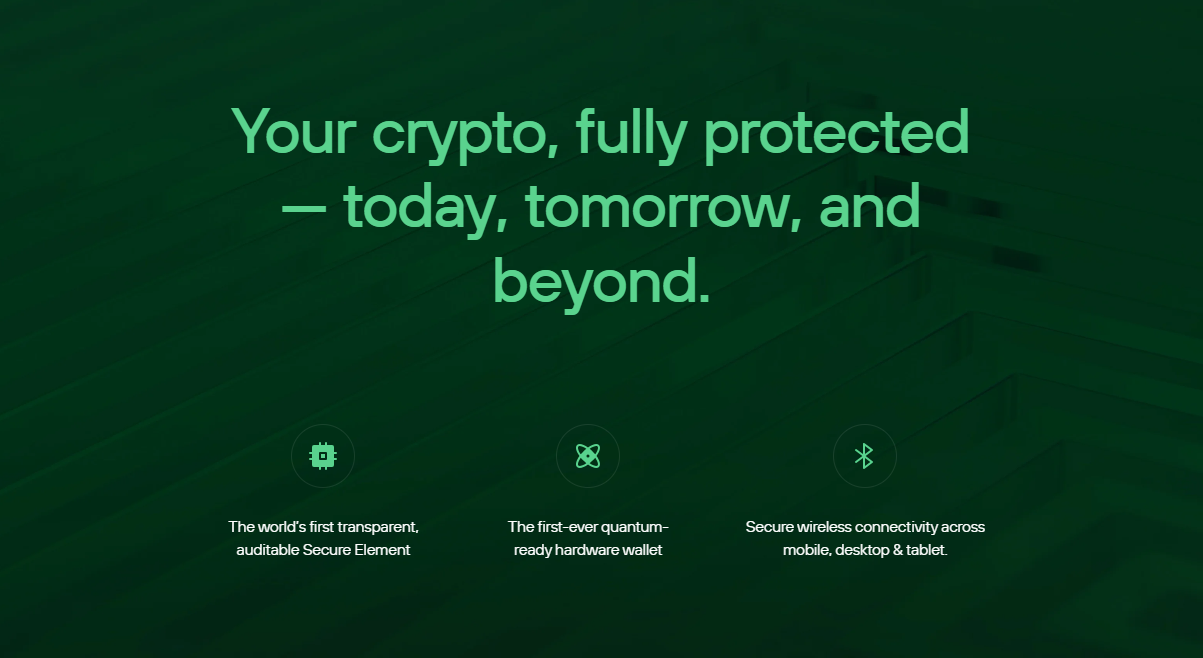
Trezor Safe 7 addresses long-standing gaps in the hardware wallet market. These improvements affect how users store, access, and secure their assets over time. Below are five key advantages that stand out in real-world usage.
➤ Transparent, Open Hardware Design
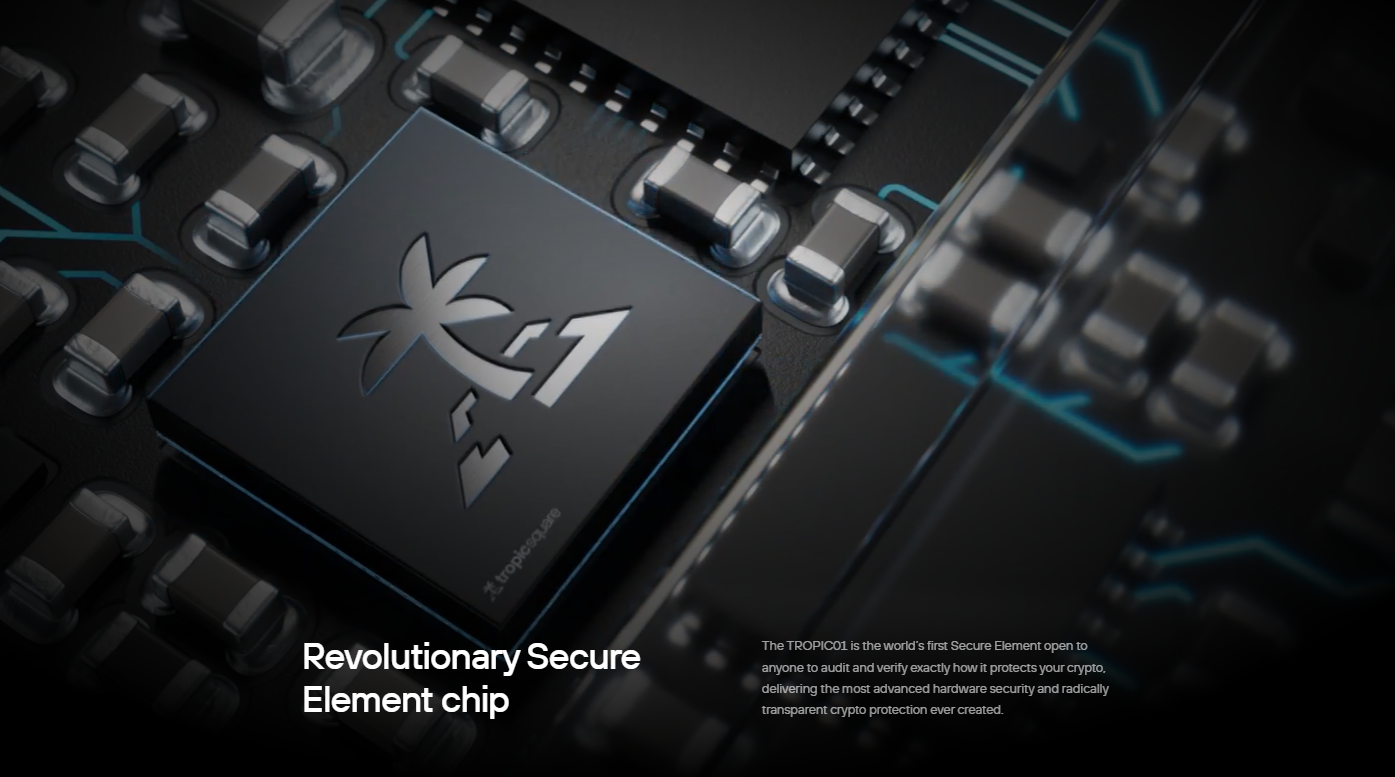
Trezor Safe 7 is the best anonymous crypto wallet to include a secure element developed without NDAs. The TROPIC01 chip can be audited publicly, with no legal or proprietary restrictions limiting inspection.
This allows external security experts to verify the chip’s behavior down to its physical circuitry. Unlike wallets that force blind trust in locked components, Safe 7 hands back control to the user by making every layer independently verifiable.
➤ Battery That Withstands Years
Trezor Safe 7 uses a LiFePO₄ battery rated at 3.2V and 330mAh, which is far more durable than standard lithium-ion batteries. It handles up to 2,000 charging cycles, compared to 300–500 in typical batteries.
More importantly, it doesn’t self-discharge at the same rate. You can leave it untouched for long periods, then turn it on and use it instantly.
➤ Quantum-Resistant Cryptographic Protection
The firmware in Trezor Safe 7 includes quantum-resistant cryptography in the most critical areas of the system. These include the boot process, firmware signature validation, and device authentication handshake.
➤ Wireless Charging for Enclosed Storage
Safe 7 supports Qi2-certified wireless charging, which eliminates the need for USB ports or cables. In high-security storage environments – such as vaults or safes – wire access can create physical vulnerabilities.
With wireless charging, users can recharge the wallet while keeping ports sealed and inaccessible to tampering.
➤ High-Precision Gorilla Glass Touchscreen
The new 2.5-inch display offers a 62% increase in screen size over the Safe 5, delivering 520×380 resolution at 700 nits brightness. Visual clarity ensures that wallet addresses, confirmations, and PIN prompts are displayed exactly as intended, even in direct light.
The Gorilla Glass layer resists scratches and smudges, while the haptic feedback system confirms each input. This level of interaction minimizes human error, which is one of the most common failure points in self-custody.
Pro Tip: Use the haptic feedback setting to confirm PIN entry accuracy, especially when operating in low light or during cold storage access.
Comparison with Trezor Safe 5 & Ledger Flex
Trezor Safe 7 enters the market at a premium tier, but it’s not just about price. When compared directly to the Trezor Safe and Ledger Flex, the differences reveal where the value comes from.
Feature
Trezor Safe 7
Trezor Safe 5
Ledger Flex
Price
$249
$129
$249
Screen
2.5″ color touchscreen, 520×380, 700 nits, Gorilla Glass
1.55″ color touchscreen, lower resolution
2.8″ E-Ink display, grayscale, low refresh
Wireless Charging
Yes (Qi2 support)
No
No
Bluetooth
Yes (open protocol)
No
Yes (proprietary stack)
Battery
3.2V 330mAh LiFePO₄, long shelf life, 2000+ cycles
None (USB-powered only)
Rechargeable Lithium-ion
Secure Element
Dual: TROPIC01 (transparent) + EAL6+
Single secure element, standard certification
Single secure element, closed
Quantum-Ready Firmware
Yes
No
No
Open-Source Hardware
Yes (incl. secure element)
Partially (not the secure element)
No (firmware only)
Touch Feedback
Yes (haptic)
No
No
Charging Port
None (fully wireless)
USB-C
USB-C
How to Set Up the Trezor Safe 7
Setting up the Trezor Safe 7 involves four key phases: device prep, firmware installation, wallet creation, and final security settings. Follow each step carefully to ensure maximum protection.
- Connect and Launch Trezor Suite
-
-
- Download the Trezor Suite app on desktop or mobile.
- Choose a connection method: USB-C or Bluetooth.
- Verify that the on-screen pairing code matches between the Trezor and your phone or computer.
-
- Install Firmware and Verify Authenticity
-
-
- The device will prompt you to install the latest firmware.
- The Suite will then run a hardware authenticity check before continuing.
-
- Create Wallet and Backup Recovery Seed
-
-
- Select “Create a new wallet” in the app.
- Write down the 20-word recovery seed on the provided card. Do not store it digitally.
- Confirm each word on the Trezor screen to complete backup.
-
- Set Security PIN and Customize Settings
-
-
- Create a PIN code to block unauthorized access.
- Name your device and choose which cryptocurrencies to manage.
-
- Final Check and Charging Setup
-
- Optionally run the “Recovery Check” tool to verify your backup.
- Charge the device using USB-C or Qi2 wireless charging. Both methods are supported out of the box.
User Experience
The Trezor Safe 7 interface feels refined and deliberate, with every interaction designed to minimize confusion and user error. The 2.5-inch display responds quickly, and the addition of haptic feedback makes PIN entry and transaction confirmation more accurate based on the best Web3 wallets.
One user wrote, “Best Trezor experience so far, and I have every Trezor. Very user-friendly.” The pairing process – whether via Bluetooth or USB-C – executes without lag or mismatched codes, and the Trezor Suite app walks users through setup with precision.
A verified Apple user noted, “It now feels like a natural extension of the ecosystem.” Across platforms, reviews consistently highlight clarity, responsiveness, and ease of use without compromising on security.
Conclusion
The Trezor Safe 7 stands out as a hardware wallet built for users who demand both transparency and long-term reliability. With its dual secure element, quantum-resistant firmware, wireless charging, and Gorilla Glass touchscreen, it introduces real advancements that go beyond surface-level upgrades.
Setup is clear, usability is high, and independent audits are possible at every layer. In this Trezor Safe 7 review, we’ve shown how it outperforms the Safe 5 and Ledger Flex in critical areas like battery design, security architecture, and user experience.